



 Github Stars:
 Last Commit:
  Created: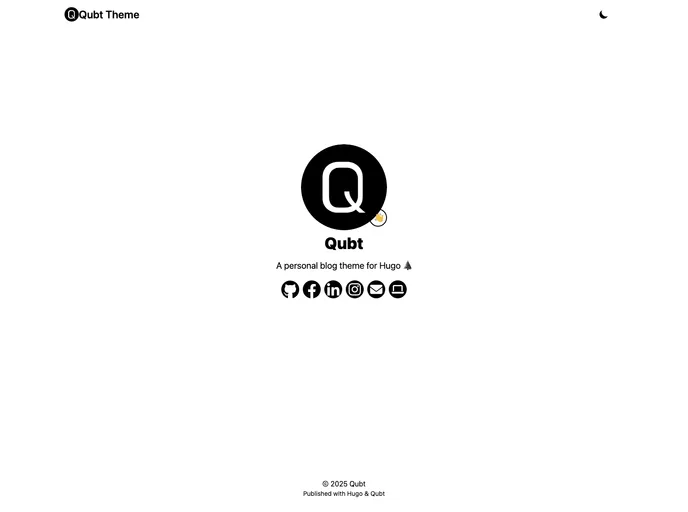
Overview:
Qubt is a simple personal blog theme for Hugo, designed with a mobile-first approach. It offers an intuitive interface and allows users to set up their Qubt blog quickly using a template.
Features:
- Simple personal blog theme, designed for mobile-first.
- Automatic dark mode based on system settings.
- Emoji support for a fun design.
- Healthcheck endpoint (/healthcheck.json).
Installation:
To install the Qubt theme, follow these steps:
- Make sure you have Hugo and Go installed on your local machine.
- Visit the theme template link.
- Follow the installation instructions provided in the template repo (listed below for reference):
- Use this template by pressing “Use this template”.
- Clone your version of the template to your local computer.
- Change the module name in go.mod to match your GitHub repo.
- Modify the configuration files: config/_default/hugo.yaml, config/_default/params.yaml, and config/_default/menus.yaml according to your preferences.
- Add your blog posts to content/blog/.
- Modify content/about.md to match your preferences.
- All images should be stored in the assets/ folder, and subfolders can be used if desired.
- In a terminal or command line window, navigate to the newly created folder using cd.
- Build a local version of your site by executing “hugo server”. You can view the site by opening localhost:1313 in your browser.
- Update the favicon by adding a new icon.png file (512px by 512px) to the assets/ folder.
Summary:
The Qubt theme is a simple and intuitive personal blog theme for Hugo. It offers features such as mobile-first design, automatic dark mode, emoji support, and a healthcheck endpoint. Installation can be done by following the instructions provided in the template repo, which include modifying configuration files, adding blog posts, and updating the favicon.































