



 Github Stars:
 Last Commit:
  Created: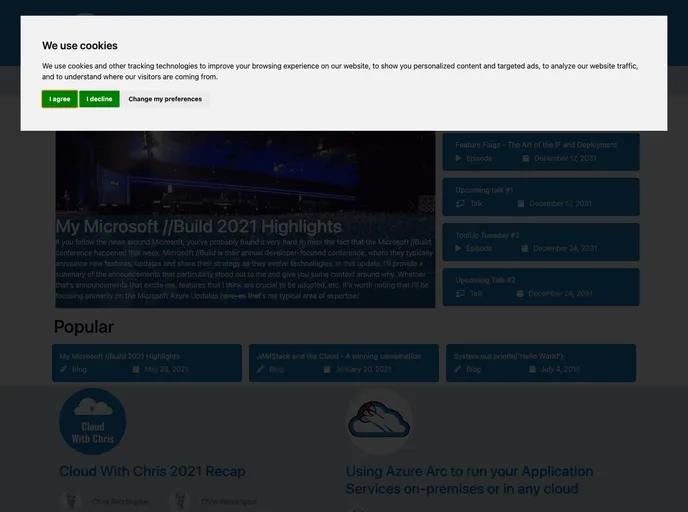
Overview
Hugo Creator is a theme for the Hugo Static Site Generator that is designed for content creators such as bloggers, podcasters, and YouTubers. It aims to meet the needs of various content creators by providing a user-friendly and customizable theme.
Features
- Customizable theme for bloggers, podcasters, and YouTubers
- Simple installation process within the folder of your Hugo project
- Configuration options available in the config.yaml file
- Easy management of submodule dependencies with Visual Studio Code
- Detailed reference guide for configuring the theme and maximizing its value
- Welcomes contributions and suggestions from the community under the MIT License
Installation
To install the Hugo Creator theme, follow these steps:
- Open the folder of your Hugo project.
- Run the command to install the theme.
- Open the config.yaml file and change the theme to “hugo-creator”.
- Optionally, specify a specific branch, tag, or commit to reference (see Stack Overflow for more details).
If you are using Visual Studio Code, you can easily manage your submodule dependency versions by using the UI. This allows for convenient management of the Cloud With Chris repository and the Hugo Creator Git Repositories.
Summary
Hugo Creator is a versatile theme designed for content creators using the Hugo Static Site Generator. It provides a customizable and user-friendly experience, allowing bloggers, podcasters, and YouTubers to easily create and manage their sites. With its comprehensive reference guide and support for community contributions, Hugo Creator offers a robust solution for content creators seeking a theme for their Hugo projects.































