



 Github Stars:
 Last Commit:
  Created: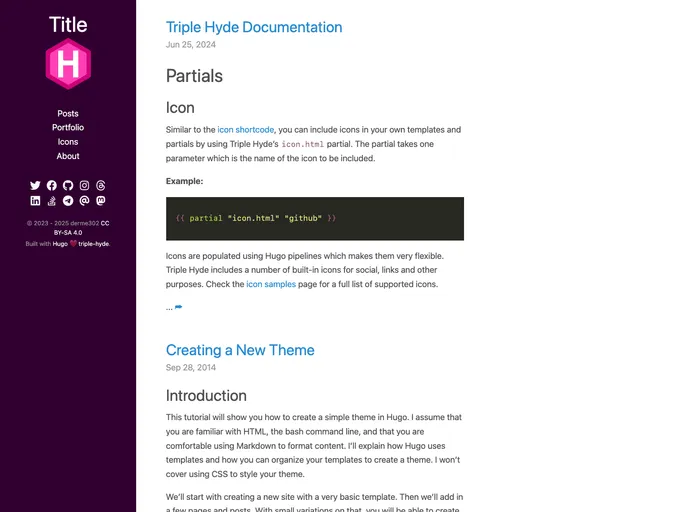
Overview
Triple-hyde is a theme for the Hugo static site generator that extends the functionality of the Hyde-hyde theme. It was originally derived from the Hyde theme by Nate Finch. The main changes in Triple-hyde include support for Google Analytics v4, Mastodon in the social sidebar, image alignment with img shortcodes, updates to Font Awesome v6, and support for giscus. The theme is available under the MIT license and is hosted on GitHub.
Features
- Support for Google Analytics v4
- Support for Mastodon in the social sidebar
- Image alignment with img shortcodes
- Updates to Font Awesome v6
- Support for giscus
Installation
To install Triple-hyde as a Hugo theme, follow these steps:
- Add Triple-hyde as a submodule to your Hugo project:
git submodule add https://github.com/janraasch/hugo-theme-triple-hyde.git themes/triple-hyde - Set Triple-hyde as the main theme in your site’s configuration file (
config.tomlorconfig.yaml). - Configure any additional options specific to Triple-hyde in the configuration file.
Summary
Triple-hyde is a theme for the Hugo static site generator that extends the functionality of the Hyde-hyde theme. It adds several new features, including support for Google Analytics v4, Mastodon in the social sidebar, image alignment with img shortcodes, and support for giscus. Triple-hyde is available under the MIT license and can be easily installed as a submodule in any Hugo project.































