



 Github Stars:
 Last Commit:
  Created:



Overview
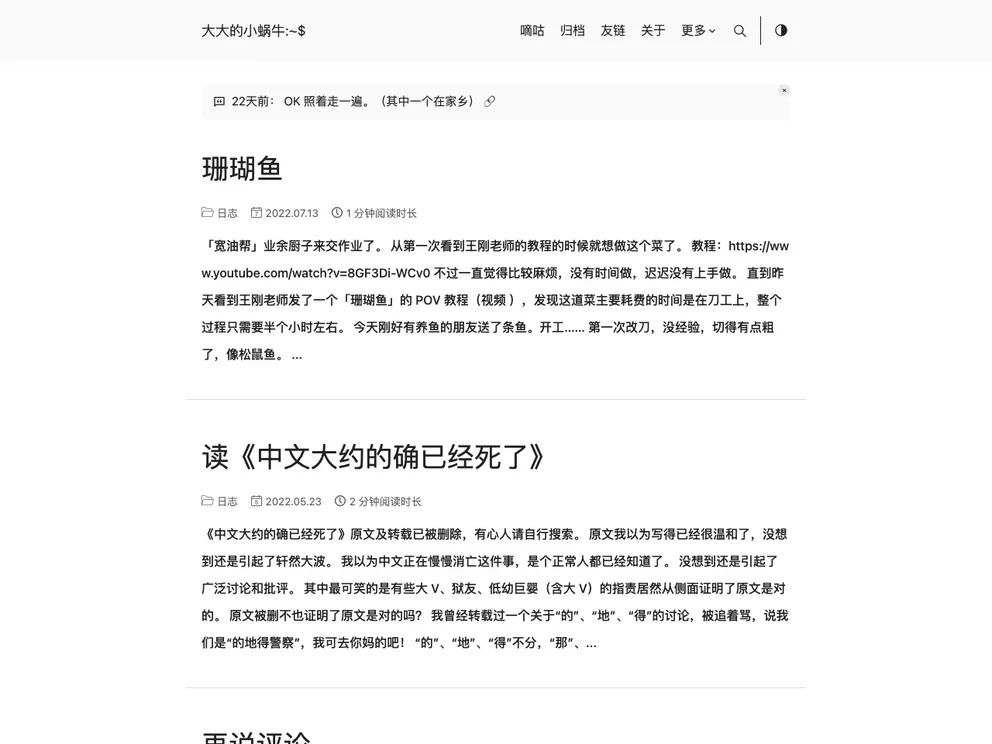
This article provides information about the installation and usage of the “DoIt” theme for the Hugo website builder. It covers various aspects such as the installation process, customization options, and managing content. The article also mentions the use of local resources, deployment options, and provides code snippets for different tasks related to the theme.
Features
- Theme DoIt: A customizable Hugo theme for building websites.
- Cloning the theme: The theme can be cloned as a submodule along with the main website repository.
- Customization: Custom CSS and JavaScript can be added to modify the theme’s appearance and functionality.
- Managing content: The article explains how to create and edit new blog posts using the Hugo command line interface.
- Local debugging: A script is provided to run the Hugo server for local preview and testing of the website.
- Building the website: Different command options are described for manually building the Hugo website, including cleaning the destination directory, syncing static resources, and enabling Git info.
- Image management: The article discusses different approaches for managing and referencing images in the website, including using an external image hosting service or placing images in the static directory.
Installation
To install and use the DoIt theme, follow these steps:
- Clone the main website repository and the DoIt theme repository as submodules:
git clone --recursive https://github.com/eallion/eallion.com.git
- Customize the theme by adding custom CSS in
assets/css/_custom.scssand custom JavaScript inassets/js/custom.js. - Create custom templates or modify existing ones in the
layouts/_defaultdirectory. - Add author data in the
data/authorsdirectory and movie data from Douban in thedata/doubandirectory. - To create a new blog post, use the Hugo command:
hugo new posts/daily/new_title.md
- Edit the newly created file and modify the Front Matter to set the required metadata such as title, authors, categories, tags, and slug.
- To locally preview the website, run the following script:
hugo server -wDp 1313 -t hello-friend --enableGitInfo --bind 0.0.0.0 --contentDir example --cleanDestinationDir --forceSyncStatic --ignoreCache --noHTTPCache --renderStaticToDisk --disableFastRender -e production
Summary
This article provides a comprehensive guide on using the DoIt theme with the Hugo website builder. It covers installation, customization, content management, local debugging, and building the website. The article also explains different methods for referencing local resources such as images and provides code snippets for various tasks related to the theme. Overall, it serves as a useful reference for anyone looking to use the DoIt theme for their Hugo website.





























