



 Github Stars:
 Last Commit:
  Created:

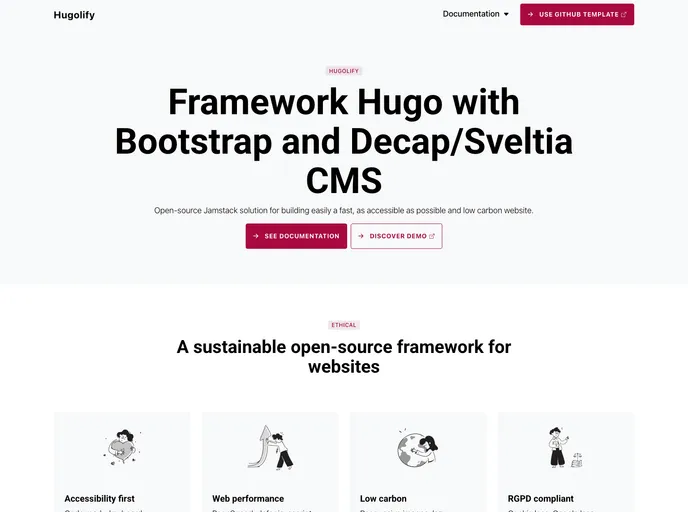
Overview:
The Twitter bannerHugolify template is a Github template that allows users to easily build a fast, accessible friendly, and low carbon website. It offers various features, documentation, and is free for both personal and commercial projects.
Features:
- Hugo Sections: The template includes various Hugo sections such as posts, authors, categories, tags, projects, case studies, publications, and more.
- Accessibility Friendly: The template is designed to ensure accessibility, making the website accessible to a wider range of users.
- Low Carbon Website: The template focuses on reducing carbon emissions by optimizing performance and using sustainable practices.
Installation:
To install the Twitter bannerHugolify template, follow these steps:
- Clone the Github repository:
git clone https://github.com/hugolify/hugolify-template.git - Navigate to the cloned directory:
cd hugolify-template - Install the necessary dependencies:
npm install - Start the development server:
npm start - Open your browser and go to
localhost:3000to view the website.
Summary:
The Twitter bannerHugolify template is a Github template that allows users to create a fast, accessible friendly, and low carbon website. It provides various Hugo sections, ensuring easy content management. The template is free for both personal and commercial projects, making it a suitable choice for developers looking for an efficient and sustainable website solution.































