



 Github Stars:
 Last Commit:
  Created:
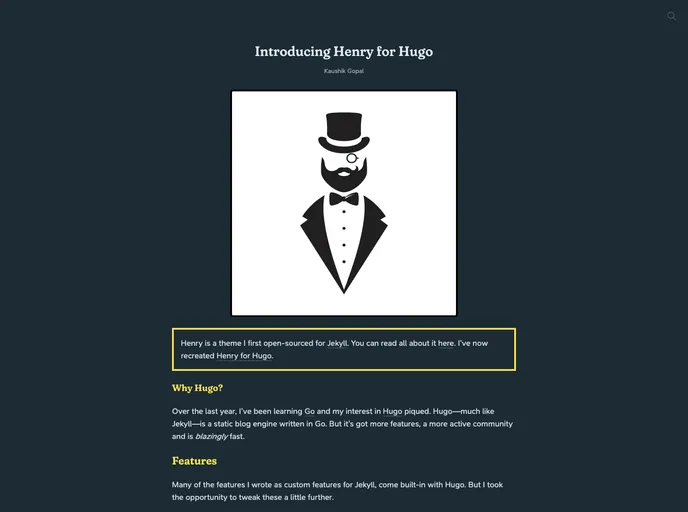
Overview
Henry is a Hugo theme that offers a visually appealing and immersive reading experience for users. Packed with a range of features, Henry aims to provide a seamless and enjoyable blogging experience.
Features:
- Gorgeous Reading Experience: Henry offers a visually stunning design that enhances the reading experience for users.
- Feature-Rich: With a variety of built-in features, Henry provides bloggers with a comprehensive toolkit to create engaging content.
- Easy Installation: Setting up a Hugo blog using the Henry theme is quick and hassle-free.
Installation:
To install the Henry theme, simply follow these steps:
Start by downloading the theme’s source code from the official GitHub repository.
Once downloaded, navigate to the folder where your Hugo site is located.
Copy the entire contents of the theme’s folder into a new folder named “themes/henry” within your Hugo site folder.
Open the
config.tomlfile in your Hugo site folder and add the following line:theme = "henry".Save the changes to the
config.tomlfile and run the Hugo server using the commandhugo server.Open your browser and navigate to
http://localhost:1313to see your Hugo site using the Henry theme.You’re all set! Start customizing your blog with the various features provided by Henry.
Summary:
Henry is a Hugo theme that offers bloggers a visually stunning and feature-rich platform for creating engaging content. With its easy installation process and comprehensive toolkit, Henry provides a great solution for those looking to enhance their blogging experience.































