



 Github Stars:
 Last Commit:
  Created:
Overview:
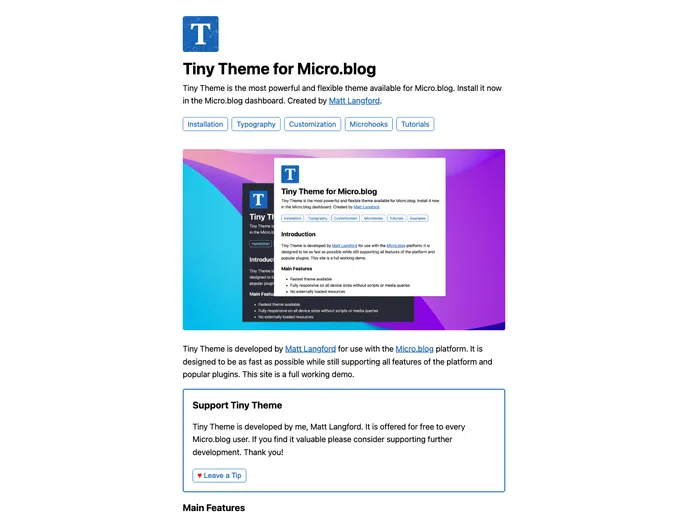
Tiny Theme for Micro.blog, created and maintained by Matt Langford, is designed to be a fast and customizable theme for the Micro.blog platform. It supports all features of the platform and popular plugins, making it convenient for users to personalize their blog.
Features:
- Fast Performance: Designed to be as fast as possible while supporting all Micro.blog features.
- Easy Customization: The theme is the easiest to customize on the Micro.blog platform.
- Microhooks Integration: First theme on the platform to use Microhooks for enhanced functionality.
- Free of Charge: Provided for free to Micro.blog users with no payment received from Micro.blog.
Installation:
To install the Tiny Theme for Micro.blog, follow these steps:
- Log in to your Micro.blog account.
- Go to the theme settings.
- Click on “Browse” and search for “Tiny Theme.”
- Click on “Install” to apply the theme to your blog.
- Customize the theme according to your preferences in the settings.
Summary:
Tiny Theme for Micro.blog, developed by Matt Langford, offers a fast and customizable solution for users of the Micro.blog platform. With features like fast performance, easy customization, and Microhooks integration, this theme stands out as a convenient option for bloggers looking to create a personalized blog experience.































