



 Github Stars:
 Last Commit:
  Created:


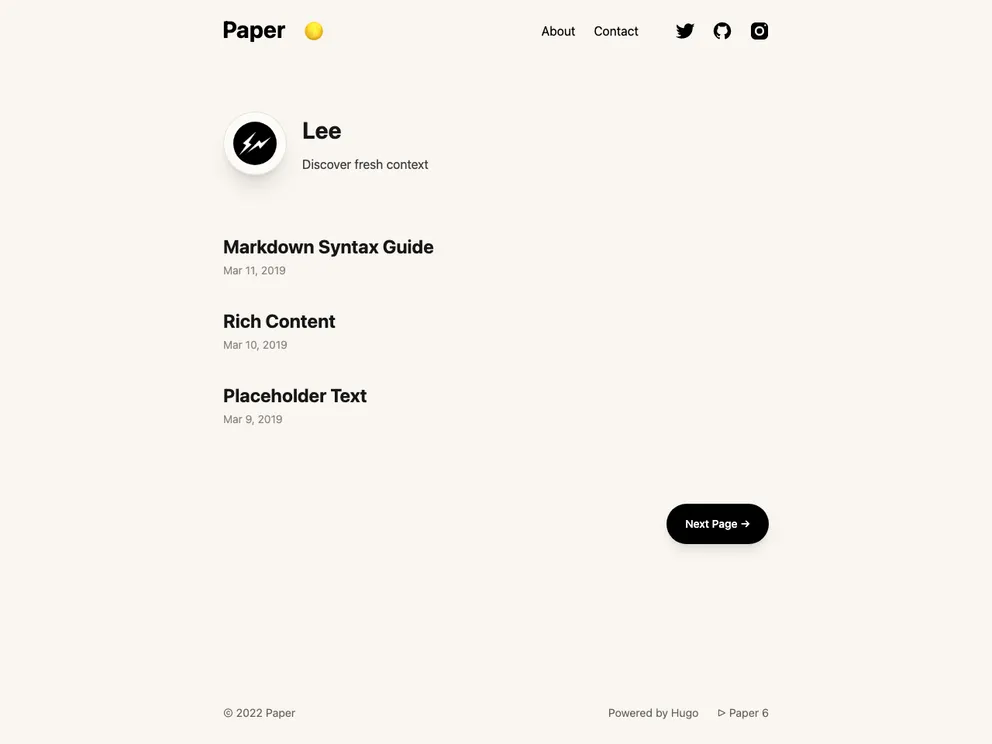
Overview:
Hugo Paper is a simple, clean, and flexible Hugo theme that offers a fast and smooth user experience. It is designed for individuals or businesses looking for a minimalist design that is easy to customize.
Features:
- Simplicity: The theme offers a simple and clean design, making it easy to navigate and use.
- Flexibility: It provides flexibility in terms of customization, allowing users to tailor the theme to their specific needs.
- Speed: Hugo Paper is optimized for speed, ensuring fast loading times and a smooth browsing experience.
Installation:
To install Hugo Paper theme, follow these steps:
- Open the folder of your Hugo project in your preferred code editor.
- Run the following command in your terminal:
hugo mod init example.com/my-hugo-site
- Open the
config.tomlfile in your Hugo project folder. - Change the theme value to “paper”:
theme = "paper"
- Save the
config.tomlfile.
For more detailed installation instructions and configuration options, please refer to the official guide of Hugo.
Summary:
Hugo Paper is a minimalistic and customizable Hugo theme that offers a simple and clean design. It provides flexibility and is optimized for speed, ensuring a fast and smooth user experience. With easy installation steps, users can quickly set up and customize the theme to match their specific needs.































